
Payments & Invoicing
Best Invoicing Software for Freelancers (Free & Paid)
If you're searching for the best invoicing software for freelancers, you've probably already spent at least one evening drafting an invoice in a spreadsheet, forgotten to follow up on a late payment, or gotten confused about which client owes what. You're not looking for enterprise accounting, you just want to get paid, on time, without it becoming a second job.
This guide breaks down what actually matters when choosing invoicing software, what the market looks like across free and paid options, and how to figure out which level of tool fits where you are right now.
What Freelancers Actually Need From Invoicing Software
Before comparing tools, it's worth getting specific about requirements. Most freelancers need:
- Clean, professional invoice creation, something that doesn't look like it was exported from 2009
- Payment collection built in, not a separate step where you paste in banking details and hope
- Client records, knowing who you've invoiced, what for, and what's outstanding
- Minimal overhead, you're not a finance team; setup should take minutes, not days
What most freelancers do not need: full payroll, inventory management, or multi-currency expense tracking with departmental reporting. When software bundles those in, you end up paying for features that slow you down.
Free Options: What You're Actually Getting
Free invoicing tools tend to fall into two camps. The first is genuinely free with real limitations, you can send a small number of invoices per month before hitting a wall, or the payment collection layer costs extra. The second is free as a lead-in to an upsell, where the friction of upgrading shows up early.
That's not a reason to avoid free tools entirely. If you're just starting out and invoicing one or two clients, a free tier can cover you while you figure out your volume. The honest question is: what breaks when your client list grows from three to fifteen?
Common pain points as you scale on free tools:
- No client history or records, every invoice starts from scratch
- Payment reminders are manual, you're sending follow-up emails yourself
- No connection between what you're booking or scheduling and what you're billing
That last one matters more than most people expect. When your booking, invoicing, and client records live in different places, small admin tasks compound. You end up reconciling things by hand at the end of every month.
Paid Options: Where the Line Is Worth Paying
Paid invoicing tools, and there's a wide range, generally earn their cost through one of three things: better client-facing polish, automation that removes manual follow-up, or integration with the rest of your workflow.
The integration point is where most standalone invoicing software falls short for freelancers who also book appointments or manage ongoing client relationships. You might love the invoice builder but still find yourself copy-pasting client details from a scheduling tool into your billing tool every time someone books a new project.
When evaluating paid options, ask:
- Does payment collection work without sending clients somewhere unfamiliar?
- Can I see what a client has booked and what they've paid in the same place?
- Are payment reminders automatic, or am I still writing "just checking in" emails?
- What does the client experience actually look like?
The Best Invoicing Software for Freelancers: How to Match Tool to Stage
There's no single right answer here, but there's a framework that works.
Just starting out (1-5 clients): A free tier is probably fine. Focus on picking something with a clean invoice template and a real payment link, not a tool that asks your clients to create an account to pay you.
Growing (5-20 clients, recurring work): This is where standalone invoicing tools start to show their limits. You want automatic payment reminders, client records, and ideally some connection to how you book and schedule work. Manual reconciliation becomes a real time cost here.
Established and consistent (20+ clients or retainers): You need everything connected. Invoicing that's separate from your CRM and booking means three systems to maintain. That's three places for things to fall through.
What Connected Invoicing Actually Looks Like
The shift that makes the biggest operational difference for freelancers isn't finding a prettier invoice template, it's having booking, invoicing, client records, and payments in one connected place so nothing requires a manual handoff.
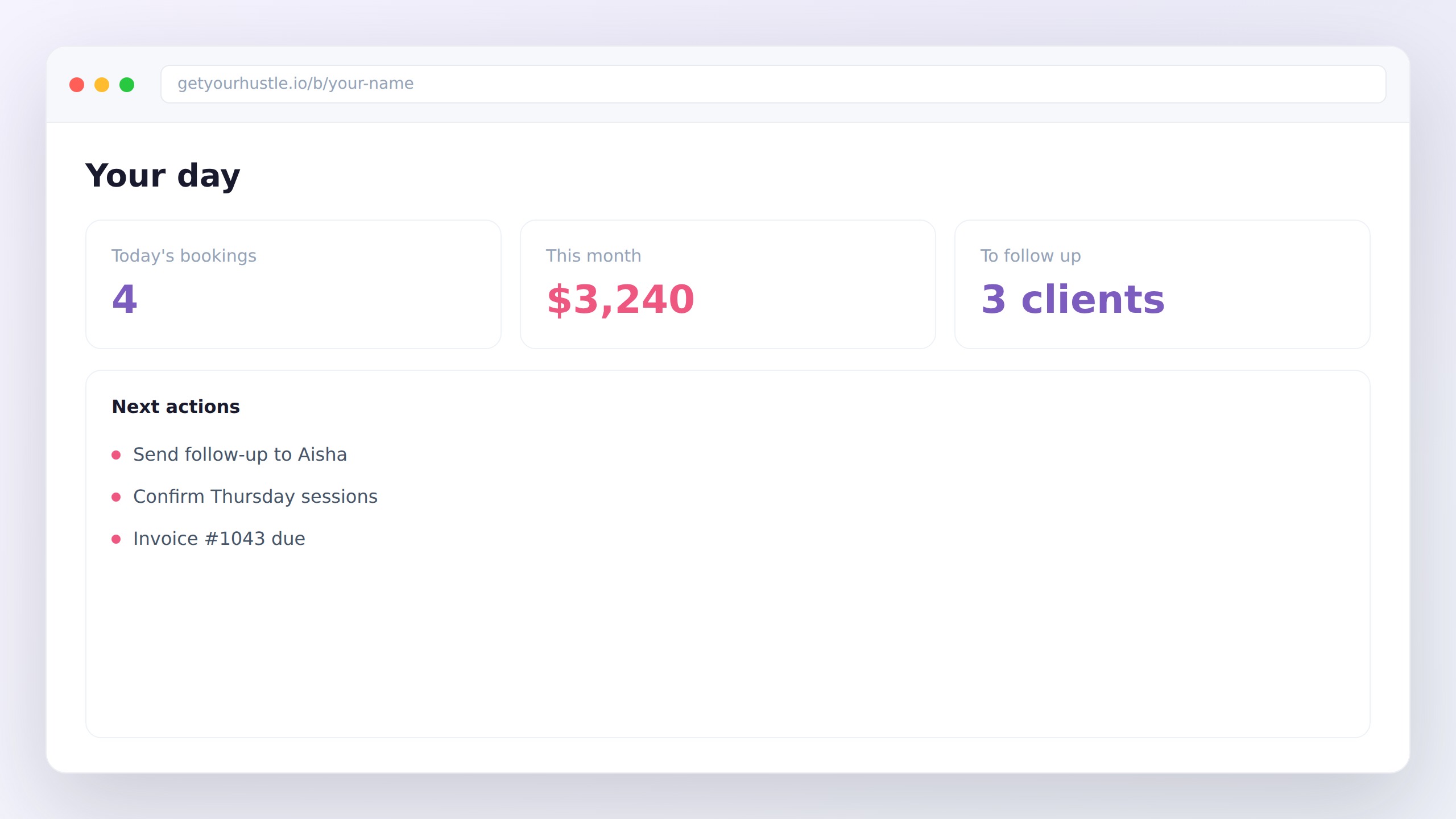
HustleHub's provider dashboard brings bookings and billing into one view, pulling from real data, without toggling between apps. Invoicing isn't bolted on, it's part of the same system where clients book you and where you track relationships over time. For freelancers who have been stitching together a scheduling tool, a separate invoicing app, and a spreadsheet for client notes, that consolidation means fewer places to check and fewer manual handoffs between systems.
The goal isn't more software. It's fewer places you have to check.
Choosing Without Overthinking It
Pick a tool that matches where you actually are, not where you imagine you'll be in three years. Start with the questions that matter to your current workload: How many clients? Do you book appointments or just project work? Are you still chasing payments manually?
If the answer to that last question is yes, that's the thing to solve first, and it's a solvable problem.
Freelancers who want the full picture on running the business side without the patchwork setup can explore everything HustleHub is built for in one place.
Get more tips like this
Subscribe to The Back Office, our newsletter for solo service owners: practical playbooks straight to your inbox, about twice a month. No spam, unsubscribe anytime.
HustleHub: get booked, get paid. Free to join. Join the Founding 100.